In today’s digital age, the right software can make a huge difference for small business success. From managing tasks and finances to improving collaboration and marketing, top software tools for small businesses streamline work, improve efficiency, and help teams stay focused on growth. Whether you’re just starting out or scaling up, choosing the right tools is essential for long-term productivity and performance.
Why Software Tools Matter for Small Businesses
Software tools automate routine work, eliminate manual errors, and support decision-making — saving time and reducing costs. When tools are aligned with clear business growth strategies, they not only improve output but also support scalability and competitive advantage.
Task and Project Management Software
Managing tasks and projects is a core need for every team. Task management software helps teams organize work, set deadlines, and track progress in real time.
Examples of helpful platforms include solutions that allow:
- Task assignments and scheduling
- Progress tracking dashboards
- File and communication integration
Teams often combine task managers with business productivity tools to ensure alignment between planning and execution, especially in hybrid or remote work environments.
Accounting and Financial Software
Keeping finances organized is essential for small business health. Accounting software for small businesses simplifies bookkeeping, invoice management, and tax reporting.
These tools help with:
- Automated expense tracking
- Invoicing and billing
- Financial reporting and compliance
When financial insights are combined with cash-flow management best practices, businesses gain more control over growth decisions and stability.
Investing in quality financial software supports stronger decision-making, especially when paired with broader business finance basics like budgeting and forecasting.
According to the Small Business Administration, reliable accounting systems reduce errors and make tax time more manageable.
Customer Relationship Management (CRM) Tools
A CRM system helps businesses nurture relationships with prospects and customers. These tools centralize contact information, interaction history, and sales activity — making it easier to track engagement and improve conversions.
With CRM, teams can:
- Track leads and sales pipelines
- Send targeted follow-ups
- Analyze customer behavior patterns
CRM platforms are especially powerful when integrated with marketing strategies for business growth, helping small businesses convert more leads and personalize outreach.
Communication and Collaboration Tools
Effective communication tools keep teams connected and aligned — especially with remote or distributed workforces. Collaboration tools for teams support messaging, video calls, file sharing, and real-time co-working.
These platforms help with:
- Team discussions and quick responses
- Virtual meetings and screen sharing
- Shared workspaces for documents
Using collaboration platforms alongside clear workflows improves coordination and reduces miscommunication, boosting overall productivity.
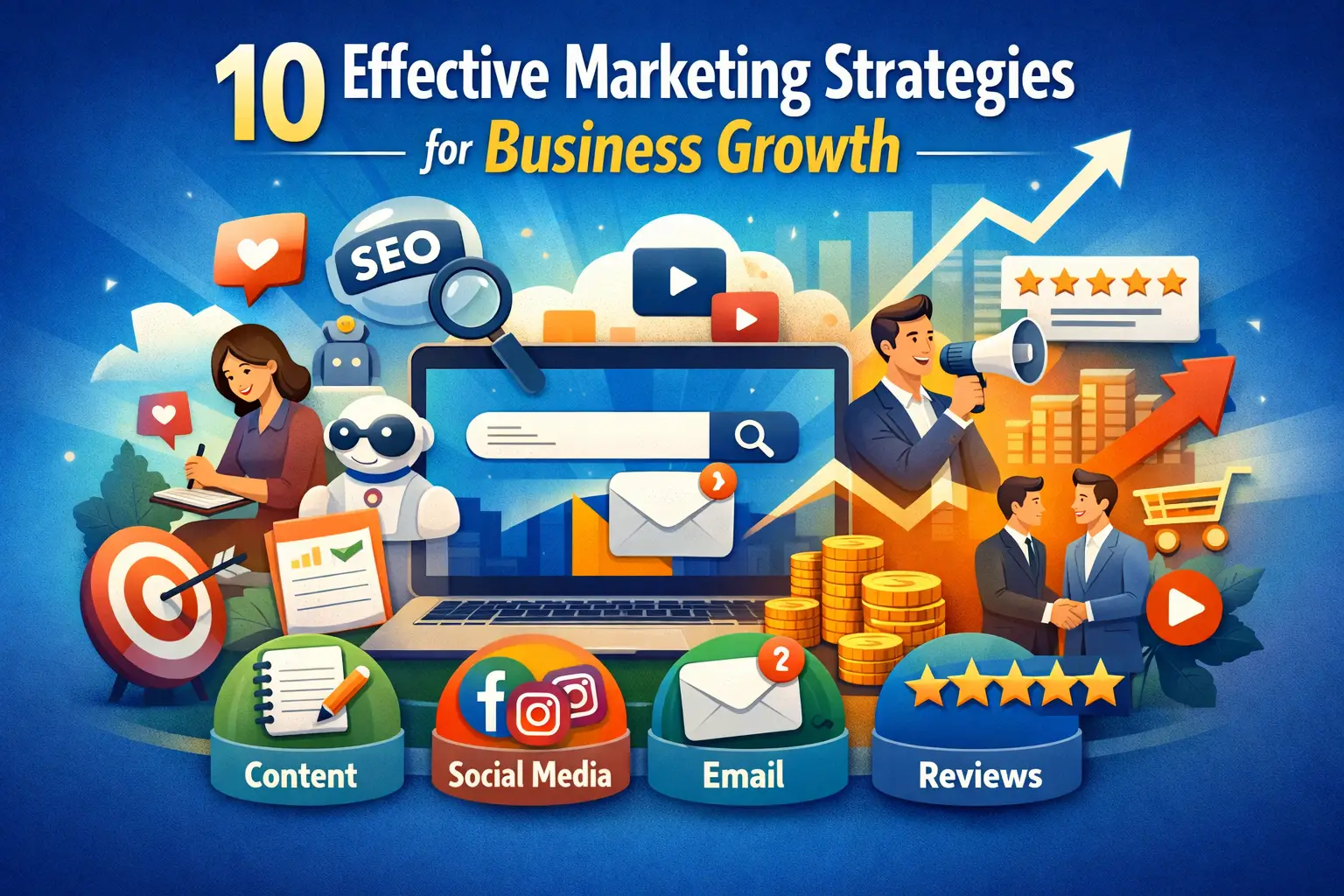
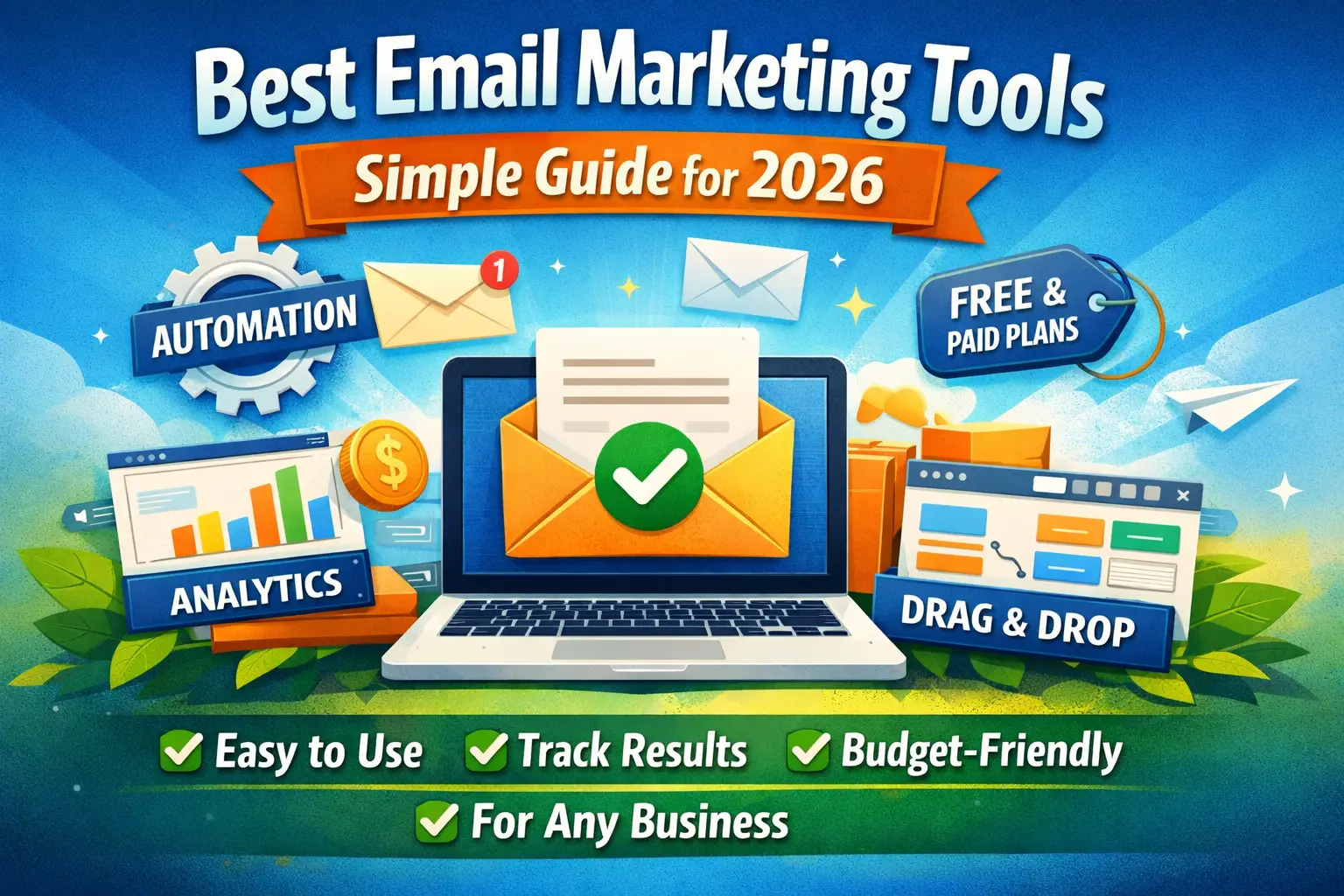
Marketing and SEO Software
Marketing tools help businesses promote offerings, track performance, and improve digital visibility.
Software for marketing can handle:
- Email campaigns
- Social media posting
- SEO tracking and optimization
Understanding how search engine optimization works helps businesses choose SEO tools that improve organic rankings and attract consistent traffic without heavy ad spend.
HubSpot highlights that integrated marketing tools boost campaign performance by centralizing data and automation.
Workflow Automation Tools
Automation tools save time by handling repetitive processes such as approvals, notifications, and data synchronization.
With automation, teams can:
- Reduce manual workload
- Improve consistency and accuracy
- Focus on higher-value tasks
Workflow automation is especially useful for tasks like lead nurturing, internal approvals, and customer follow-ups.
Cloud Storage and File Management
Cloud storage tools allow secure access to files from anywhere, making remote work easier and safer.
Benefits include:
- Automatic backups
- Secure access controls
- Team file sharing and version management
Cloud solutions support businesses by protecting data and enabling instant collaboration across departments or locations.
Time Tracking and Productivity Tools
Managing time effectively is a priority for small businesses. Time management tools for businesses help teams track hours, plan priorities, and evaluate productivity gains.
Accurate time tracking supports:
- Project costing
- Billing accuracy
- Better scheduling decisions
When time data is integrated with task management and reporting tools, teams can see where improvements are needed and adjust workloads accordingly.
Choosing the Right Tools for Your Business
Selecting the right software depends on your goals, team size, and budget. When evaluating tools, consider:
- Ease of use
- Scalability
- Integration capabilities
- Support and training resources
Many small businesses start with essential solutions and expand toolsets as workflows mature.
Frequently Asked Questions
1. What types of software do small businesses need most?
Task management, accounting, CRM, marketing, and collaboration tools are among the most useful.
2. Is cloud software secure for business use?
Yes — reputable cloud platforms use encryption and strict access controls to protect data.
3. Can small businesses benefit from automation tools?
Absolutely — automation reduces repetitive work and boosts accuracy.
4. Do tools need to integrate with each other?
Integration improves data consistency and workflow efficiency.
5. How do I choose the right software for my business?
Start with business needs, review user feedback, and prioritize tools that support future growth.
Conclusion
Using the top software tools for small businesses helps teams operate more efficiently, reduce manual work, and focus on strategic growth. From task management and accounting to communication and marketing, the right tools support daily operations and long-term success.
Explore more expert insights and practical guides on Daily Ideal Blogs to stay updated with the latest resources and business solutions.